
Set a Still in Motion
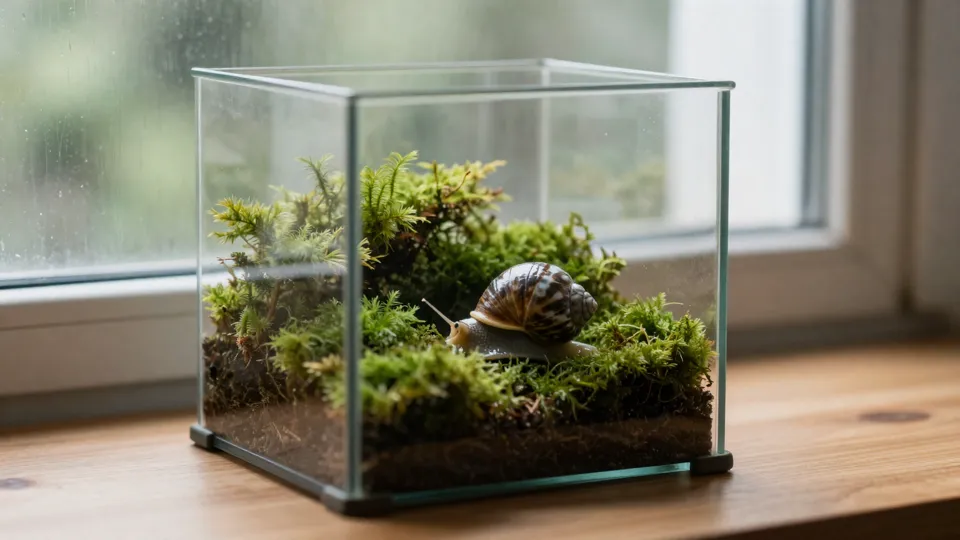
The picture becomes frame one and fixes the proportions. Say what moves and how the camera travels: here the snail sets off across the moss while the lens creeps into macro.
Sent
Returned
Write a scene, or bring an opening and closing frame, up to 9 reference pictures, a clip to borrow a camera move from, or a sound file. MiniMax H3 renders 4 to 15 seconds at 768p or native 2K, with the audio mixed in.
Jobs asking for nudity, sexual material or a recognisable real person are refused and refunded. site terms
Six MiniMax H3 clips: five MiniMaxH3AI rendered while testing each route (text alone, one still, a pair of frames, references with a beat, a borrowed camera move) and one 2K example published by Cloudflare. Select one to load its prompt and inputs at the settings it was made with.
The space-fleet clip is from Cloudflare Docs (CC BY 4.0). If a clip here is yours and you want it taken down, email support@minimaxh3ai.video.
Five routes in
Your attachments pick the endpoint. No file means text to video; one picture, or two used as frames, means image to video; references of any kind go to reference to video. Every panel pairs the real input with what came back.
The picture becomes frame one and fixes the proportions. Say what moves and how the camera travels: here the snail sets off across the moss while the lens creeps into macro.
Sent
Returned
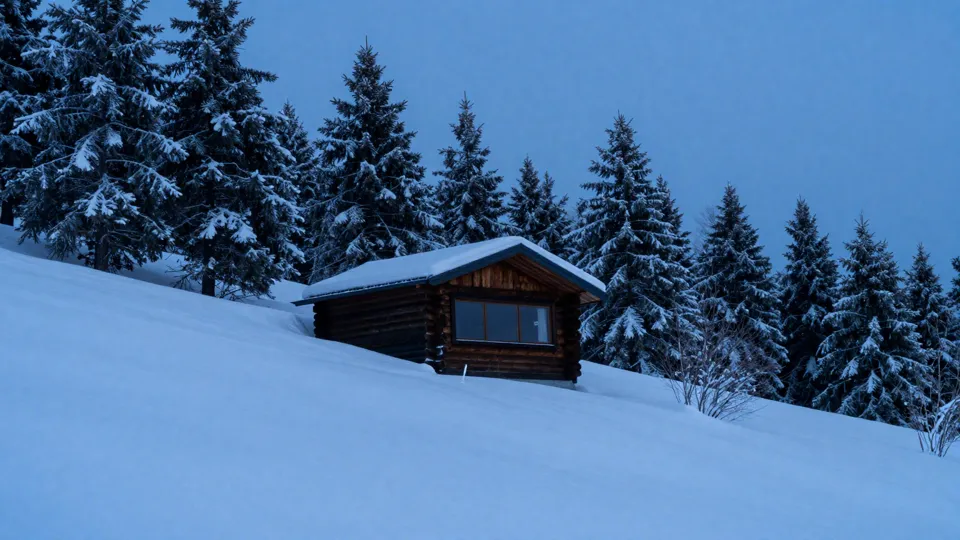
Upload two pictures and pick First & last frame. MiniMax H3 fills the time between them, here a whole winter melting into a spring evening on one hillside. The two frames add nothing to the bill.
Sent

Returned
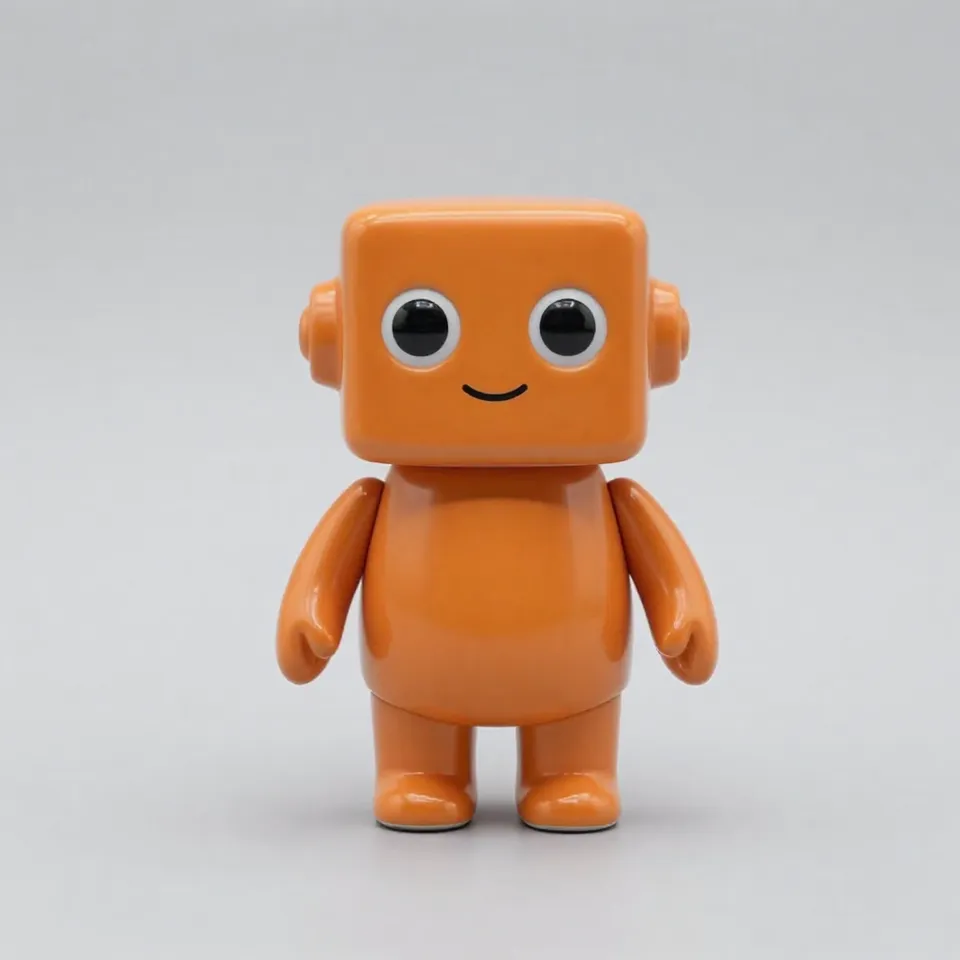
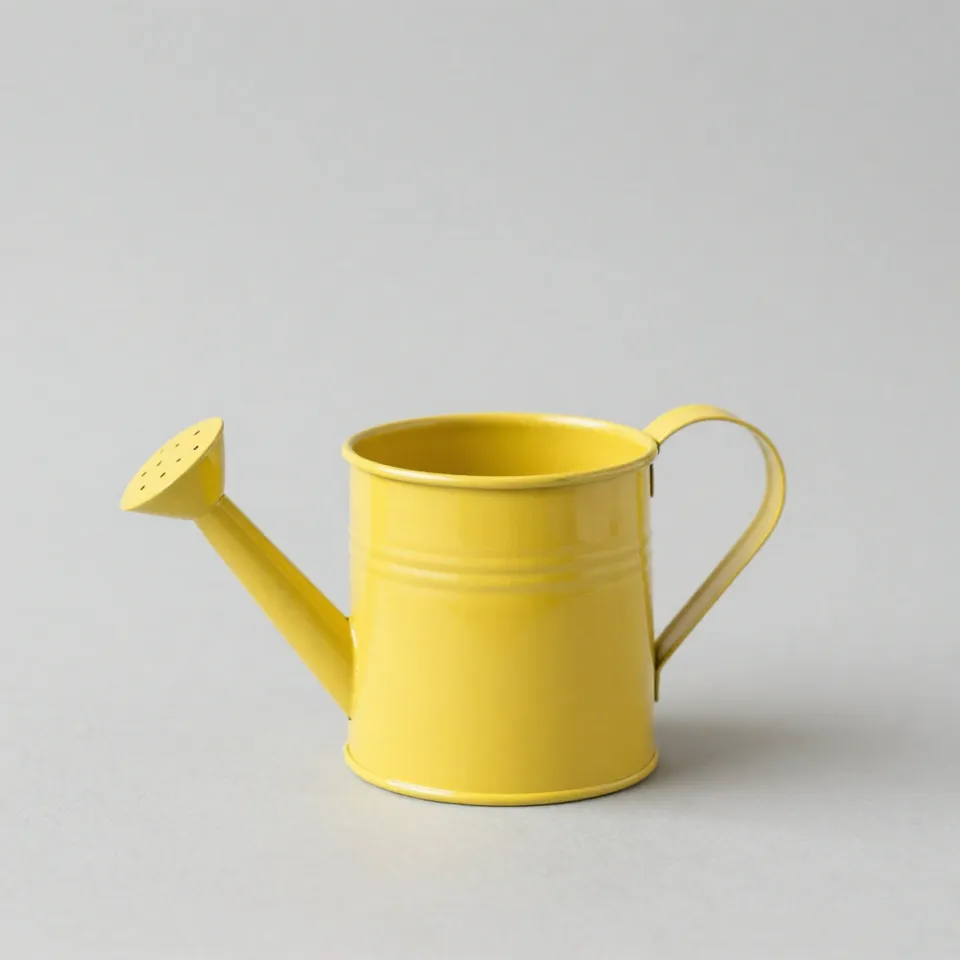
Send up to 9 pictures (a character, a location, an object) and a sound file, then describe the scene. Five pictures are included; the sixth to ninth add 10 credits each. Audio is free but needs a picture or clip next to it.
Sent

Returned
Upload a clip and describe a different place. The movement and pacing transfer: two seconds of our market dolly became a fox on a lantern path. Reference seconds are billed like output seconds, 2 at minimum.
Sent
Returned
No upload needed. Describe subject, motion, lens and sound, choose 21:9 through 9:16, and switch to 2K when detail matters: 28 credits a second instead of 20 at 768p. This market scene came back 2944 × 1248 with its audio.
Sent
Returned
Where it fits
Each example below was rendered on MiniMaxH3AI from the prompt behind its button. Load it, change the subject, keep the structure.
A wide 2K plate with weather, practical light and an ambient track is often all an intro, a teaser or a pitch needs. Render four seconds to judge the look before spending on fifteen.
Start from a photo you already have and add one believable motion: steam, a slow push in, rain on the glass. The still fixes the framing, so the clip matches the rest of the campaign.
Show the character, the place and the prop as separate pictures and H3 keeps their shapes and colours in the new scene. Add a beat and the action lands on it.
Who or what, the action, the lens and the sound, in a couple of sentences. Attach a still, a first and last frame, reference pictures, a clip or an audio file when you have them.
Any whole length from 4 to 15 seconds, 768p or 2K, and an aspect from 21:9 to 9:16. The credit total sits on the button before you commit.
Our test renders took two to three minutes. The clip lands in your library with its audio; adjust a phrase, try another take, or feed it back in as a camera reference.
Why use it here
The model's strengths, plus the plumbing this site adds so the price is never a surprise.
20 credits a second at 768p and 28 at 2K, for any length from 4 to 15 seconds: 100 or 140 credits for five. MiniMax H3 Lite stays in the menu at 8 credits a second for rough drafts.
Rain on canvas, a wok flaring, birds after the thaw: H3 generates the audio in the same pass as the image. Every clip on this page carries its track behind the speaker button.
Pick 2K and H3 renders it directly: our 21:9 text test came back at 2944 × 1248. At 768p a 16:9 clip is 1344 × 768. Use 768p to explore, 2K for the take you keep.
The server prices the job before it starts. When the model errors out or declines a prompt, the full amount returns to your balance without a ticket.
Clips are paid in credits. A pack suits a single project; a plan suits a weekly habit.
Lite
For a few renders each week.
≈ $0.010 a credit
≈ $1.03 per 5-second clip
Included
Pro
For creators publishing video every week.
≈ $0.008 a credit
≈ $0.83 per 5-second clip
All of Lite, and
Ultra
For studios rendering most days.
≈ $0.007 a credit
≈ $0.69 per 5-second clip
All of Pro, and
Listed prices already include any applicable tax.
Prompt notes, timings and costs from real runs on this model.
Questions
Sign in, describe the shot and press generate. What you attach chooses the route: one picture becomes the opening frame, two can be the first and last frame, and further pictures, a clip or a sound file act as references. Finished clips stay in your library.
MiniMax H3 is the video model behind Hailuo 3.0. On WaveSpeed it has three routes: text to video, image to video with an optional last frame, and reference to video with pictures, clips and audio. It outputs 768p or 2K for 4 to 15 seconds, with sound.
Both are in the model menu and accept the same inputs. H3 renders 768p or 2K at 20 or 28 credits a second. H3 Lite stops at 768p, adds a 480p draft size and costs 5 or 8 credits a second. Draft framing on Lite, then render the keeper on H3.
Up to 9 pictures, 3 video clips and 3 audio files. Each clip counts as 2 to 15 seconds and all clips together as 15 at most. Audio needs at least one picture or clip beside it. You can name inputs in the prompt as @Image 1, @Video 1 or @Audio 1.
Not for video. A new account gets 10 credits, which covers two pictures in the Image tab. The cheapest MiniMax H3 clip, 4 seconds at 768p, is 80 credits and needs a pack or a plan.
Yes, on every clip, and it cannot be switched off. Describe the sounds you want in the prompt and they are rendered with the picture. Listen before publishing: the mix and level vary between takes.
No. An uploaded clip is used only as a reference for motion, camera and timing; the result is a new shot. There is no restyle or edit-in-place endpoint for H3.
Attach exactly two pictures and choose First & last frame. The first opens the shot, the second ends it, and the model invents what happens in between. Neither frame costs extra; only the seconds you request are billed.
Yes. Upload a clip of 2 to 15 seconds and say what to borrow, for example the slow dolly of @Video 1 on a snowy forest path. Its length, rounded up, is billed at the output rate, so a 2-second reference plus a 4-second clip at 768p costs 120 credits.
Yes. Describe the voice and put the line in the prompt, for example: an old fisherman with a low, rough voice says: <d>[English] The tide turns at six.</d>. MiniMax says dialogue is stable in 11 languages, including English, Chinese, Japanese, Korean, Spanish, Portuguese and Russian. A reference audio file can also guide the voice timbre.
Yes, the cut is written into the prompt. Describe the first shot, then add a line such as [Shot 2] At 00:03.000, the camera cuts to a close-up of the captain. Keep each shot to one action and one camera move; MiniMax's own prompt guide recommends that structure, and stacked actions tend to feel rushed.
20 credits a second at 768p and 28 at 2K. The shortest clip, 4 seconds at 768p, is 80 credits; 15 seconds at 2K is 420. First and last frames and audio references are free, the first five reference pictures are free, and reference clips are billed per second like output. The button always shows the total first.
Whole seconds from 4 to 15, at 768p or 2K, in 21:9, 16:9, 4:3, 1:1, 3:4 or 9:16. A clip that opens on your picture keeps that picture's proportions. There is no 480p tier on H3; use H3 Lite for that.
That is governed by the current terms of MiniMax and WaveSpeed, which we can't interpret on your behalf. Check them before client work, and keep real people's likenesses, third-party logos and material you don't own out of prompts and uploads.
No. MiniMaxH3AI is an independent product that sends your jobs to MiniMax H3 through WaveSpeed, a third-party API provider. MiniMax neither operates nor endorses this site.
Pick a credit pack or a plan. Each job shows its price before it runs, and a failed job refunds itself.